I Code in vi/vim and Loving It (And No, I’m Not Trying to Impress Anyone)
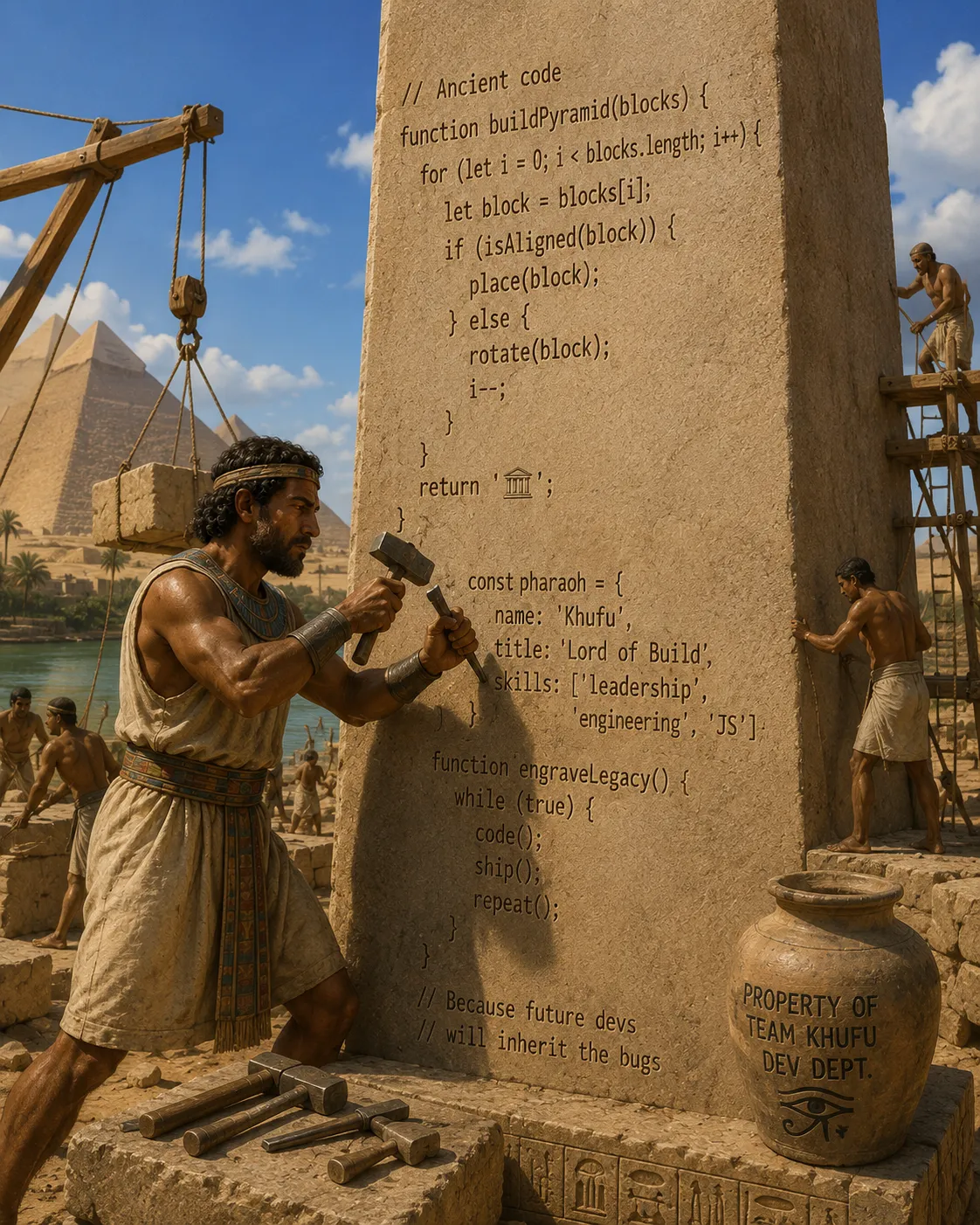
In 1996, I took my first Computer Science course in college. The professor encouraged us to use vi/vim. Later, at my first job out-of-school, the team was, also, using vi/vim. As the IDE craze took hold at the turn of the century (kind of weird typing that), I never really moved on from there. So, to this day, any coding I’m doing as done in vi/vim. These days, it’s vim.
There comes a point in every software developer’s career where they must answer one of computing’s oldest questions_,_ “Why are you still using vim?”
This question is usually asked by someone whose IDE consumes roughly the same amount of RAM as a medium-sized galaxy and requires six plugins just to display line numbers.
The assumption is always the same_,_ “Surely you’re doing this to prove how elite you are.”
No.
I’m doing it because my editor starts before you’ve finished clicking “Open Project.”
Don’t misunderstand me — modern IDEs are incredible pieces of engineering. They’re packed with features that genuinely improve productivity. Refactoring support. Intelligent code completion. Static analysis. Integrated debugging. Git tooling. AI-assisted code generation. Database browsers. Terminal emulators. Sometimes they even remember what you were doing yesterday.
They’re amazing.
They’re, also, occasionally, the software equivalent of bringing an aircraft carrier to go fishing.
The Unix Philosophy Still Matters
One of the enduring philosophies of Unix is do one thing, and do it well.
vim embodies that philosophy.
Its job is to edit text.
Not compile code.
Not build Docker containers.
Not manage Kubernetes clusters.
Not integrate your Slack notifications.
Not suggest emojis for your commit messages.
Just edit text.
And it does that exceptionally well.
Every Language Is Just Text
Here’s something IDE marketing departments rarely emphasize:
Every programming language ultimately compiles from plain text.
Whether you’re writing:
- Java
- JavaScript
- C++
- Terraform
- YAML
- JSON
- XML
- OpenAPI specifications
you’re editing text.
vim doesn’t particularly care what kind.
That’s surprisingly liberating.
Learning one editor means learning an editor for virtually everything.
Your Hands Never Leave the Keyboard
The first thing vimusers become addicted to isn’t modal editing.
It’s momentum.
Most modern editors quietly encourage a workflow that looks like this:
- Type.
- Reach for the mouse.
- Click.
- Select.
- Scroll.
- Click again.
- Return to the keyboard.
Thousands of times a day.
vim asks a different question:
What if you simply… didn’t?
After enough practice, navigation becomes almost subconscious.
Jump to the next function.
Delete a paragraph.
Rename a variable.
Select everything inside matching parentheses.
Duplicate a block.
Move ten lines down.
All without touching the mouse.
The cumulative savings over months and years are astonishing.
Speed Isn’t About Typing Faster
People often assume vim users type 300 words per minute.
Most don’t.
The speed comes from reducing friction.
Consider changing:
printf("Hello");to
logger.info("Hello");In many editors:
- Select text.
- Copy.
- Navigate.
- Delete.
- Paste.
- Edit.
In vim, it may become a short sequence of keystrokes that feels less like editing and more like telling the editor what transformation you want.
It’s not magic.
It’s grammar.
SSH Doesn’t Care About Your IDE
Sooner or later every developer encounters this situation:
Production is down.
You’ve SSH’d into a Linux server.
There is no Visual Studio.
No IntelliJ.
No VS Code.
No AI assistant.
Just:
vim config.yamlIf you’re comfortable with vim, this isn’t an emergency.
It’s Tuesday.
One of the underrated benefits of learning vim is that it exists almost everywhere.
Servers.
Containers.
Embedded systems.
Network appliances.
Recovery environments.
Cloud instances.
That consistency is incredibly valuable.
The Configuration Is Yours
Modern IDEs are ecosystems.
Sometimes that’s wonderful.
Sometimes it feels like maintaining a small operating system.
vim, by contrast, is astonishingly customizable.
A configuration file can evolve over years to reflect exactly how you like to work.
Need syntax highlighting?
Done.
Language Server Protocol?
Easy.
Git integration?
Available.
Fuzzy file searching?
Absolutely.
Terminal?
Sure.
At some point you realize you’ve built your own environment rather than adapting to someone else’s.
The Dark Side
Now for the honesty section.
vim is not free.
Not financially.
Mentally.
The learning curve is real.
Everyone has experienced the moment of opening vim and wondering_,_ “How do I leave?”
It’s practically a rite of passage.
The first few weeks can feel slower than almost any graphical editor.
Modal editing is genuinely different.
Commands feel foreign.
Simple tasks become frustrating.
Then something clicks.
The commands stop being commands.
They become verbs.
Delete.
Change.
Copy.
Repeat.
Inside.
Around.
Until.
Find.
After enough time, it feels less like using software and more like speaking a language.
IDEs Still Have Their Place
Despite everything I’ve said, I regularly recommend IDEs.
Large enterprise applications often benefit enormously from them.
Languages like Java and C# have extraordinarily sophisticated tooling.
Massive refactoring operations become safer.
Code navigation becomes easier.
Integrated debuggers are fantastic.
Static analysis catches mistakes before they become production incidents.
There is no prize for refusing good tools.
So, Why vim?
Because it changes how you think about editing.
It teaches precision.
It rewards deliberate action.
It reduces dependency on graphical interfaces.
It works almost everywhere.
And perhaps most importantly…
It reminds us that software development isn’t really about our editors.
It’s about solving problems.
The editor is simply the vehicle.
Some people prefer a luxury SUV loaded with every conceivable feature.
Others are perfectly happy driving a lightweight sports car that starts instantly, goes exactly where it’s pointed, and never asks whether you’d like to install seventeen updates before editing a configuration file.
Neither approach is wrong.
But when production is on fire, the server only has SSH, and someone mutters, “Can anybody edit this config?”…
…the person who quietly types:
vi /etc/application/config.yamlusually gets an awful lot of appreciative looks.
Notes
- AI / GenAI / ChatGPT / etc were not used to generate the text of this article.
- ChatGPT was used to generate the images.
- I used em dashes in my writing before the current GenAI wave was a thing. Not planning on changing now.
- Names have been changed to protect the guilty.
- None of the hostnames or users used in examples actually exist.
- Feel free to post any comments or suggestions below.
Originally published on Medium.